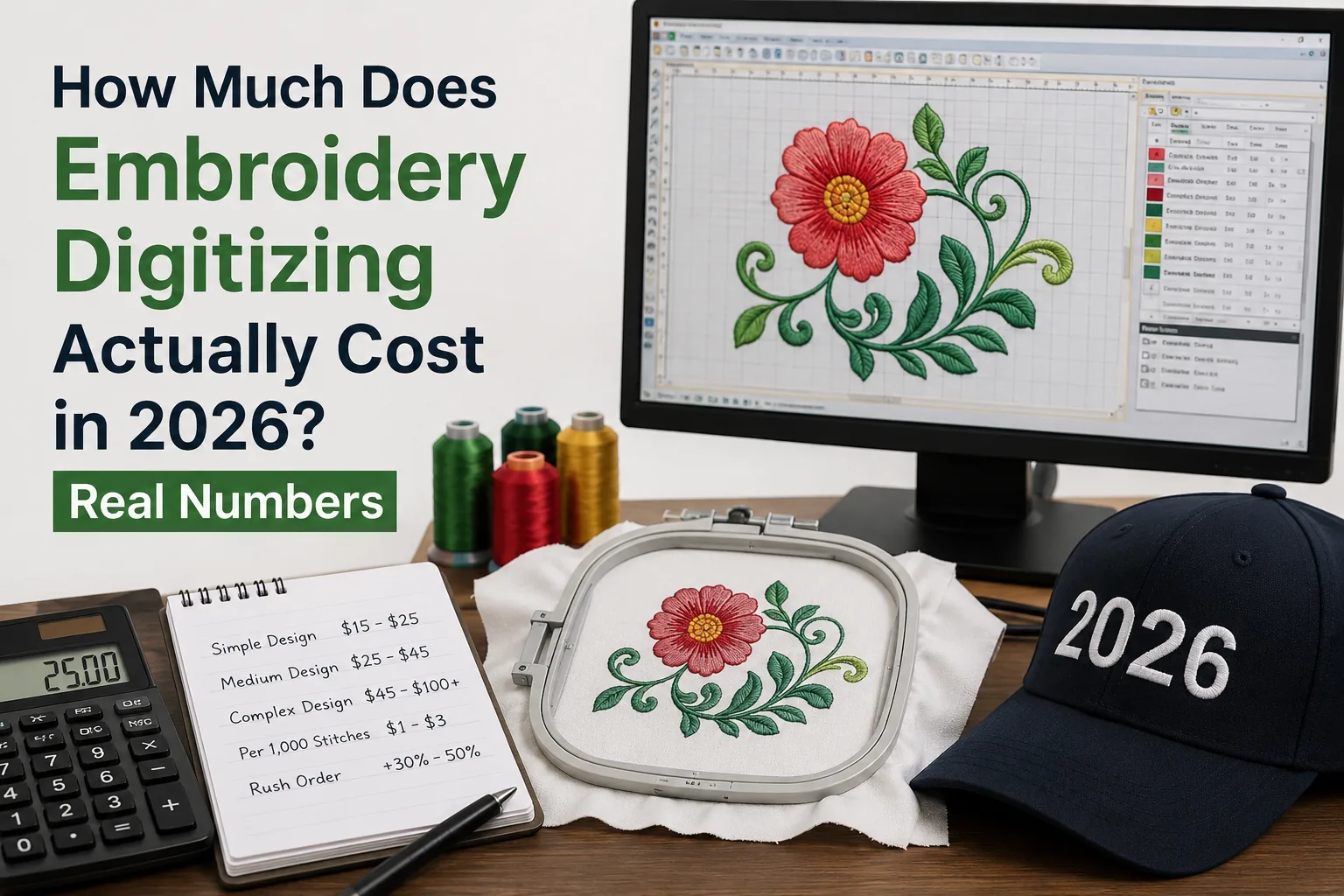
How Much Does Embroidery Digitizing Actually Cost in 2026? Real Numbers
What Embroidery Digitizing Actually Involves — and Why It Takes Real Skill
Thread isn't ink. That's the single most important thing to understand before we talk money.
When you send a PNG of your company logo to an embroidery shop, it can't go straight to the machine. Every stitch — its direction, type, length, density, and sequence — has to be defined manually by a human (or, god help us, auto-digitizing software). The output is a stitch file: DST, PES, JEF, VP3, EXP, or one of a dozen other formats depending on your machine brand.
A decent left-chest logo might take 45 minutes to digitize properly. A jacket back with gradient shading and fine detail? Three hours, minimum. And "properly" is doing a lot of work in that sentence — because a bad digitizer can produce a file in 20 minutes that causes thread breaks every 800 stitches and puckers the fabric so badly you have to rip the whole thing out.
The core cost drivers are these:
- Design complexity — Fine details, small text under 6mm, and photorealistic elements all require more time and technique.
- Stitch count — More stitches mean longer run time and more thread. A standard left-chest logo runs around 4,000–8,000 stitches. A full jacket back can hit 60,000–80,000 stitches easily.
- Underlay, density, and pull compensation — These are the invisible settings that separate clean production files from disaster files. Getting them right for a specific fabric type takes experience. Getting them wrong costs you fabric, thread, and time.
- Turnaround time — Rush fees are real and usually justified. A 4-hour turnaround costs more than a 48-hour one.
- Where the digitizer is located — A studio in Manchester charges differently from a freelancer in Bangladesh. That's not a quality judgment by itself, but it's a real variable.
When someone quotes you a price, you're not just paying for software clicks. You're paying for someone to translate a two-dimensional image into a three-dimensional textile process that has to work reliably across hundreds of production runs, on multiple fabric types, at 2am when your operator's alone and the machine's throwing errors.
That skill has a value. The question is whether the quote you're looking at reflects it honestly.
Real Pricing in 2026 — What the Market Actually Looks Like Right Now
Let me give you concrete numbers, because vague ranges are useless when you're trying to approve a quote.
Service Type | Typical Cost | What You Usually Get | Best For |
Budget overseas services | £5–£16 per design | Fast turnaround, variable quality, limited revisions | Simple designs, high-volume shops with in-house QC |
Per-thousand-stitch model | £8–£12 per 1,000 stitches | Scales with complexity, fairer for large designs | Mixed-complexity work, larger design orders |
Flat-fee domestic service | £28–£60 per design | Consistent pricing, usually includes 1–2 revisions | Small shops, one-off logos, reliable turnaround |
Premium studio / specialist | £60–£120+ per design | High-complexity, 3D puff, patch work, tight QC | Corporate accounts, complex branding, cap digitizing |
In my experience running production, the flat-fee model is where most small shops land — and it makes sense for straightforward logos. The per-thousand-stitch model is actually fairer for complex work, because a 3,500-stitch left chest and a 45,000-stitch full-back jacket shouldn't cost the same flat fee. When they do, someone's getting overcharged on the simple end or underserved on the complex end.
Common stitch counts you'll actually encounter:
- Cap logo (front panel): 5,000–9,000 stitches
- Left-chest logo (polos, jackets): 4,000–8,500 stitches
- Full-back jacket design: 40,000–80,000 stitches
- Small sleeve or collar branding: 1,200–3,500 stitches
- Name or single-word text at 8mm height: 500–1,500 stitches
Some services advertise flat digitizing fees regardless of complexity — one competitor currently running in the search results charges a flat $45 USD per design. That model works if you're mostly doing left-chest logos. The moment you send them a detailed crest or a photorealistic face, you'll either get a mediocre file or an upsell email.
Pricing figures provided are estimates based on market research and may vary significantly depending on the service provider, design complexity, geographic location, and turnaround time. Always request quotes directly from digitizing services for accurate pricing.
Hidden Fees, Revision Traps, and the Questions You Need to Ask Before You Pay
This is where first-time buyers get stung. Badly.
The advertised price is rarely the final price. I've seen clients pay double what they expected because nobody told them upfront about the extras. Here are the ones that bite people most often.
Format fees. Some services deliver one file format by default and charge £3–£8 per additional format. If you run a Brother PE-800 at home and send jobs to a commercial shop running Tajima machines, you need both PES and DST. Ask upfront whether multiple formats are included.
Revision fees. Fair revision policy: one or two rounds of corrections included at no extra charge within a reasonable scope. Exploitative policy: "free digitizing" with £10–£15 charged per revision round. I've digitized enough files to tell you — first-round revisions are normal and expected. If a service makes them painful to request, they're either protecting sloppy work or monetising your frustration.
Rush fees. Standard turnaround is usually 24–72 hours. Anything under 12 hours often attracts a 30–50% premium. That's fair — it's a real cost. But watch for services that inflate their standard turnaround time so their "rush" fee looks smaller by comparison.
Minimum orders. Some services won't process a single design — they want 3, 5, or 10 designs minimum. Fine if you've got the volume. Infuriating if you've got one logo and nowhere else to turn.
Artwork preparation fees. If your file arrives as a blurry JPEG at 72 DPI, a good digitizer will tell you honestly and charge for artwork cleanup time. That's reasonable. What's not reasonable is charging £20 for "artwork preparation" on a clean 300 DPI vector file that needed zero work.
Before you pay anything, ask these questions directly:
- How many revision rounds are included?
- Which file formats does the base fee cover?
- What's your turnaround time, and what's the rush fee structure?
- Do you digitize manually or use auto-digitizing software?
That last question matters. A lot of cheap services run your artwork through auto-digitizing software — tools that generate stitch files algorithmically. The files technically run, but they're often dense, poorly sequenced, and full of unnecessary trims. I've cleaned up enough auto-generated DST files to fill a skip. [LINK: what is embroidery digitizing explained]
DIY Digitizing vs. Hiring a Professional — the Honest Financial Comparison
If you run a production shop and you're paying for digitizing on every single order, the maths on learning to do it yourself is eventually compelling. But "eventually" is doing a lot of work there.
Here's the realistic picture.
Software costs in 2026:
- Wilcom EmbroideryStudio — the industry benchmark, particularly for production environments. Licensing runs into several thousand pounds depending on tier. It's the machine that serious operators use.
- Hatch by Wilcom — the more accessible entry point, with perpetual licences starting around £800–£1,100 depending on the tier (Digitizer vs. Creator). Good honest software. [LINK: embroidery software comparison guide]
- Brother PE-Design — bundled with some Brother machines, capable enough for basic work.
- Ink/Stitch — free, open-source, runs as an Inkscape extension. It's not Wilcom. But for someone doing simple text-based designs with patience and a willingness to learn object sequencing manually, it's functional. I'm not going to mock it — free is free.
The learning curve is real. In my experience running production, getting to a point where you can consistently produce clean, production-ready files takes 80–150 hours of genuine practice. Not watching YouTube tutorials. Actually digitizing, test stitching, ripping it out, and doing it again. That time has a cost whether or not you're paying for software.
When DIY makes sense:
You run high volume — 30+ new designs per month. You've got time to invest in learning properly. You want full creative control and rapid iteration. Your designs are consistently complex enough that outsourcing fees add up to real money monthly.
When outsourcing makes sense:
You're doing fewer than 10–15 new designs per month. You need quick turnaround with zero quality risk. Your designs are relatively standard — logos, text, simple graphics. You're a decorator first and don't want digitizing to become a second job.
The honest answer for most small shops: outsource until digitizing fees consistently exceed £300–£400 per month. At that point, even Hatch Creator pays for itself within a year. Below that threshold, the software cost and time investment rarely pencil out. [LINK: how to choose embroidery digitizing software]
Save yourself the ripped-out stitches — don't buy Wilcom on month one when you're doing 4 designs a month.
The Verdict on Embroidery Digitizing Costs in 2026
If you're a small shop or a first-time buyer, a flat-fee service in the £30–£55 range from a reputable manual digitizer is the right call for standard logos — just make sure revisions are included and you're not being charged per format. If your designs are genuinely complex — 3D puff caps, detailed crests, jacket backs with fine text — expect to pay more and treat that as correct, not as being overcharged. The file is the problem, not your machine — and a cheap file that runs badly costs you more in wasted thread, labour, and reprints than a properly priced one ever would. Test stitch first. Always.
Frequently Asked Questions
How much does embroidery digitizing cost for a logo in 2026?
For a standard left-chest logo — the kind you'd put on a polo or work shirt — you're realistically looking at £25–£55 from a professional service, depending on complexity and where the digitizer is based. Simpler single-colour text-based logos sit at the lower end. Logos with fine detail, gradients attempted in thread, or multiple colour stops climb toward the upper end. At roughly 4,500–7,000 stitches for a typical chest logo, per-thousand-stitch services would land in a similar range. The flat-fee model tends to be easier to budget around for this type of work.
Do I own the digitized file after I pay for it?
Usually yes — but read the terms. Most reputable services transfer full file ownership upon payment. Some, particularly budget services or those bundling "free digitizing" into apparel orders, retain the file and only grant you the right to use that specific run. If you want to take your DST file to a different production shop next year, you need to own it outright. Ask explicitly before paying, and get it confirmed in writing.
Can I reuse the same digitized file across different garment types?
Yes, with important caveats. A file digitized for a medium-weight polo won't necessarily perform perfectly on a structured cap or a fleece jacket without adjustment. Fabric pull, backing type, and surface texture all affect how a file runs. A good digitizer will sometimes provide multiple file variants for different substrates — or at minimum flag which fabric type the file was optimised for. If you're planning to use a logo across polos, caps, and heavyweight fleece, mention that upfront so density and underlay can be set appropriately.
What's a fair turnaround time for digitizing?
Standard industry turnaround in 2026 runs 24–72 hours for professional manual digitizing services. Some operate on same-day or 12-hour rush options with a premium attached. Anything advertised as "instant" is auto-digitizing software generating the file algorithmically — which technically produces a file, but quality and production reliability vary dramatically. If a service claims 10-minute turnaround at low cost, that's not a human touching your file. Worth knowing before you stake 200 polo shirts on it.
Is auto-digitizing software good enough to use for production?
For very simple, bold single-colour designs with no fine detail? It can produce acceptable results. For anything with text under 8mm, gradients, thin lines, or complex layering? No. Auto-generated files typically lack proper underlay, pull compensation is often wrong for the fabric type, and colour sequencing can produce unnecessary trims and thread breaks mid-run. I've digitized enough of these to tell you — the time you spend cleaning up an auto-generated file for production often costs more than just having it digitized properly in the first place. If you're using Ink/Stitch or a browser-based auto tool, test stitch on scrap fabric before committing to a production run. Always.
OurDigitizer Editorial Team · Editorial Team
Written and reviewed by the OurDigitizer editorial team — embroidery digitizers with 12+ years of combined manual digitizing experience across DST, PES, and all major embroidery machine formats.